👤🛡️ Role
A role is a collection of permissions assigned to a user or group that defines:
-
Accessible modules/features
-
Allowed actions (create, view, edit, delete)
-
Data visibility level (own records, team records, all records)
To access Roles:
- Click Settings in the header.
- Navigate to Account Settings → Role.
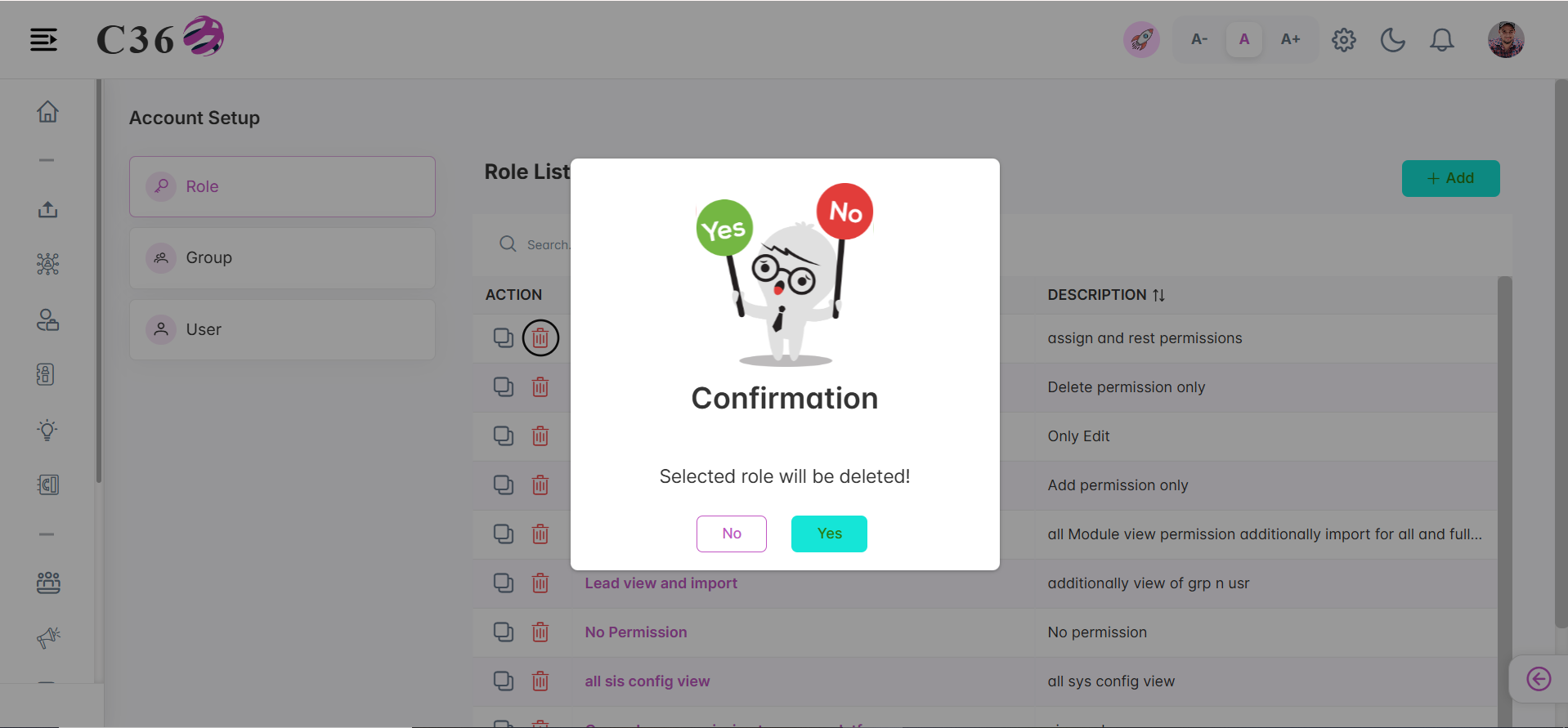
📋 Role List View
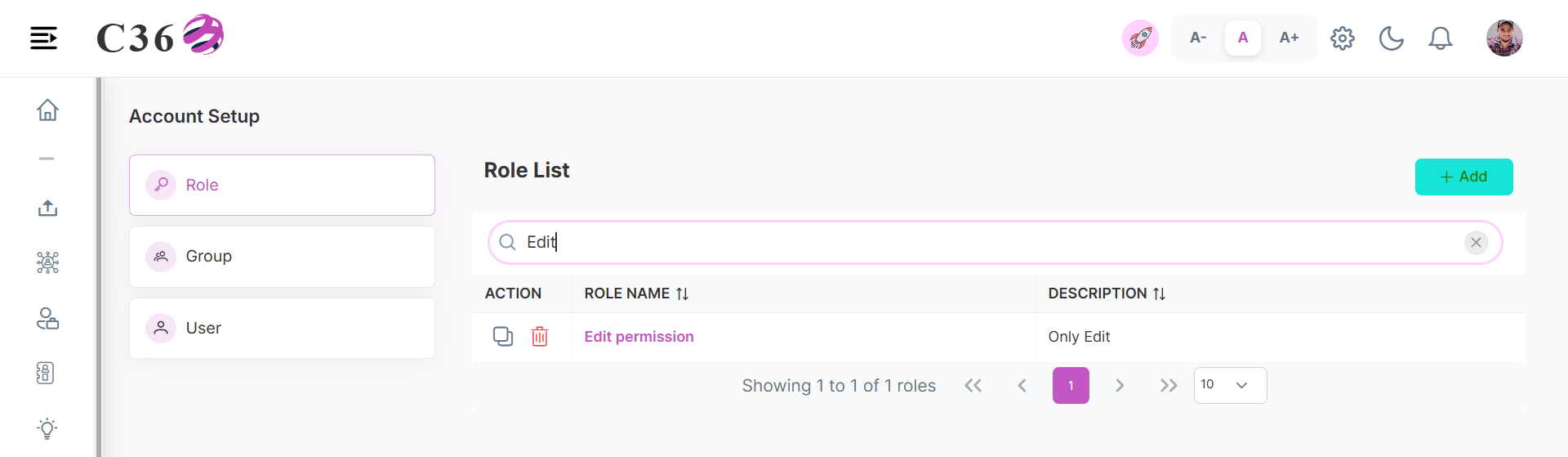
- Columns: Role Name, Description, Actions (Clone/Delete).
- Sorting: Click any column header to sort roles.
- Top Features:
- Search bar → Quickly locate roles.
- Add button → Create a new role.
- Clone Icon → Clone an existing role.
- Trash Icon → Remove a role.
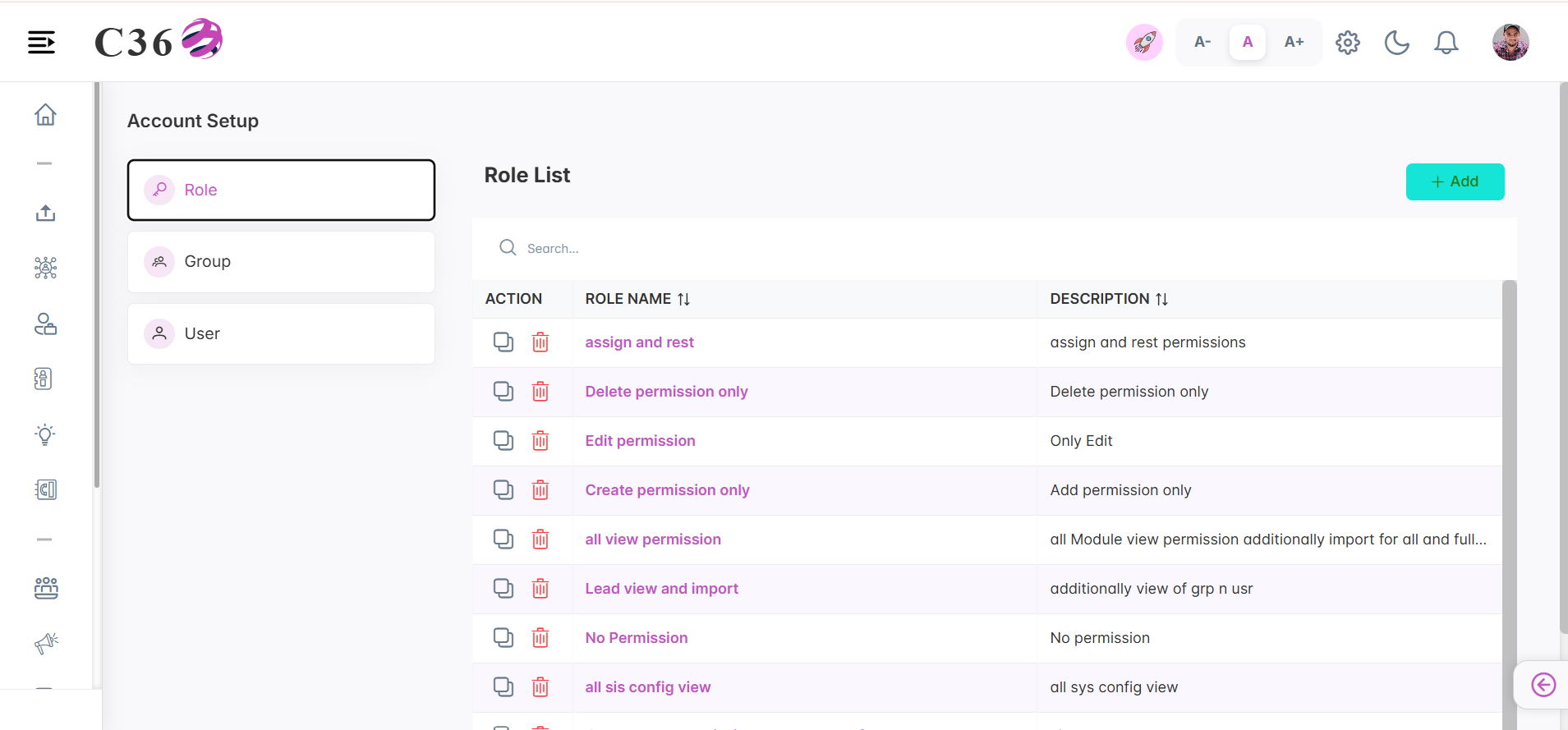
➕ Add Role
- Click on Add Role.
- Enter the following details:
- Role Name
- Description
- Enable the access permissions for the modules and features you want to grant.
- Click on Save.
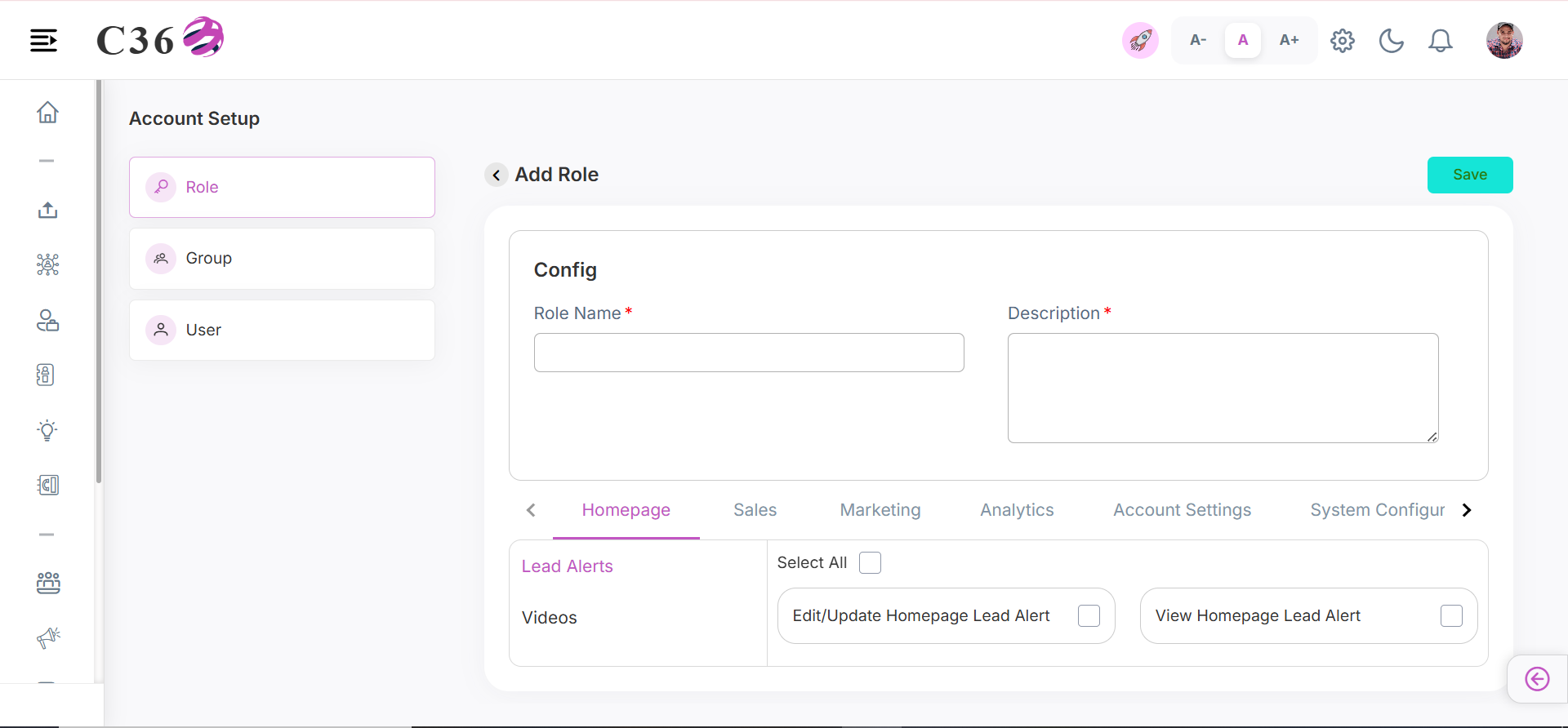
📑 Clone Role
- Click on Clone icon.
- Make changes if needed.
- Click on Save.
🔍 Search Role
- Enter a name or keyword in the search bar.
- Press Enter to instantly filter results.
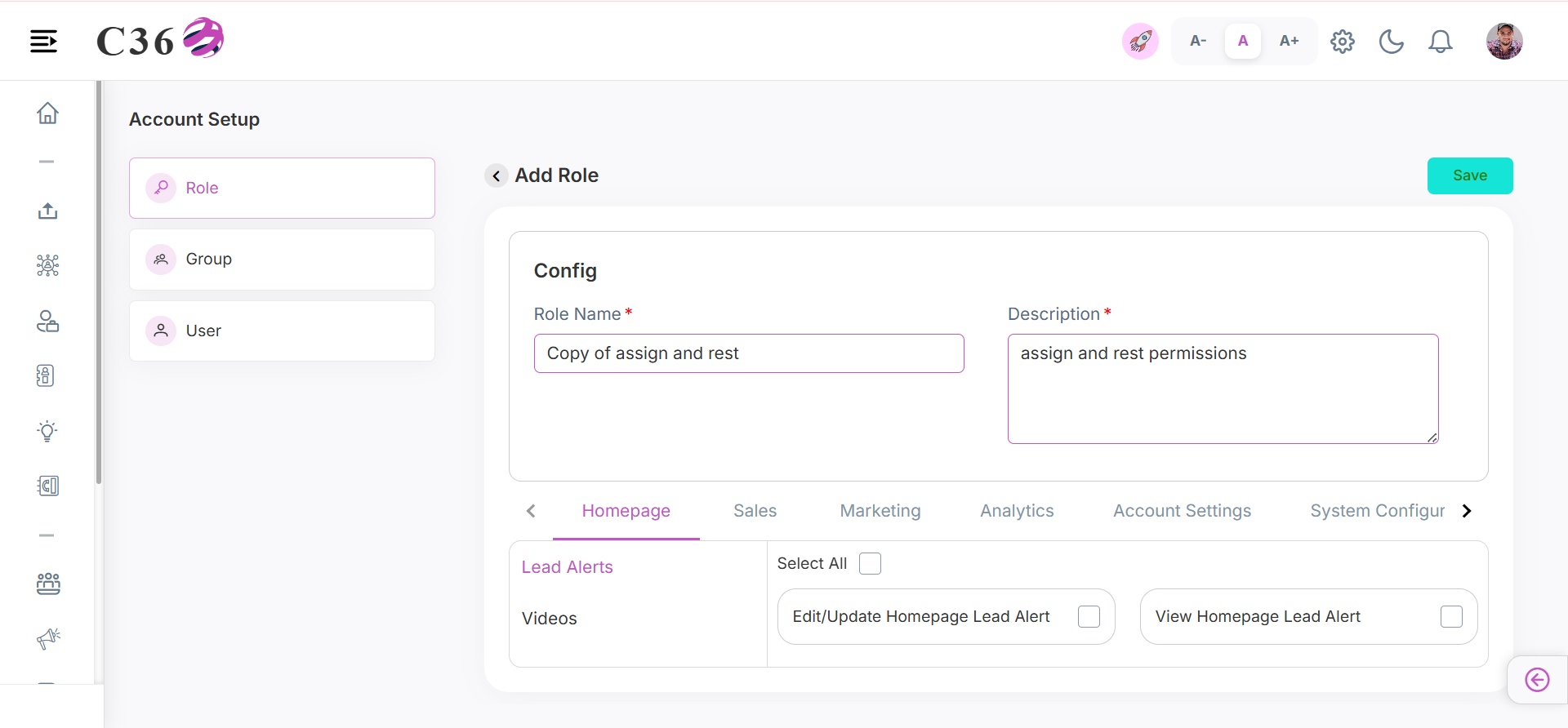
🗑️ Delete Role
- Click on the Delete icon for the role you want to delete.
- Click on Yes in the confirmation pop-up if you want to delete it.